Elementor 101 · Lesson 08
Components, templates and template kits
Reusable Components with overrides, saved templates, Cloud Templates and importing a kit safely.
Written for Elementor 4.3.3 · Elementor Pro 4.3.1 · Updated October 2026
01Three ways to reuse a design
| Tool | Stays in sync? | Use it for |
|---|---|---|
| Component | Yes. Edit once, every instance updates. | Repeated blocks: CTA banners, cards, team members, trust bars. |
| Saved template | No. Inserts a copy. | Starting points: a page layout, a section you adapt each time. |
| Website template / kit | No. Imports a whole site. | Starting a new project from a complete design. |
02Components with per-instance overrides
A Component is a block of Atomic Elements that you save once and place many times. The layout and styles stay synced, and each instance can override specific content such as a heading, text or image.
- Build a card: a Div block with an Image, a Heading, a Paragraph and a Button. Use your Classes.
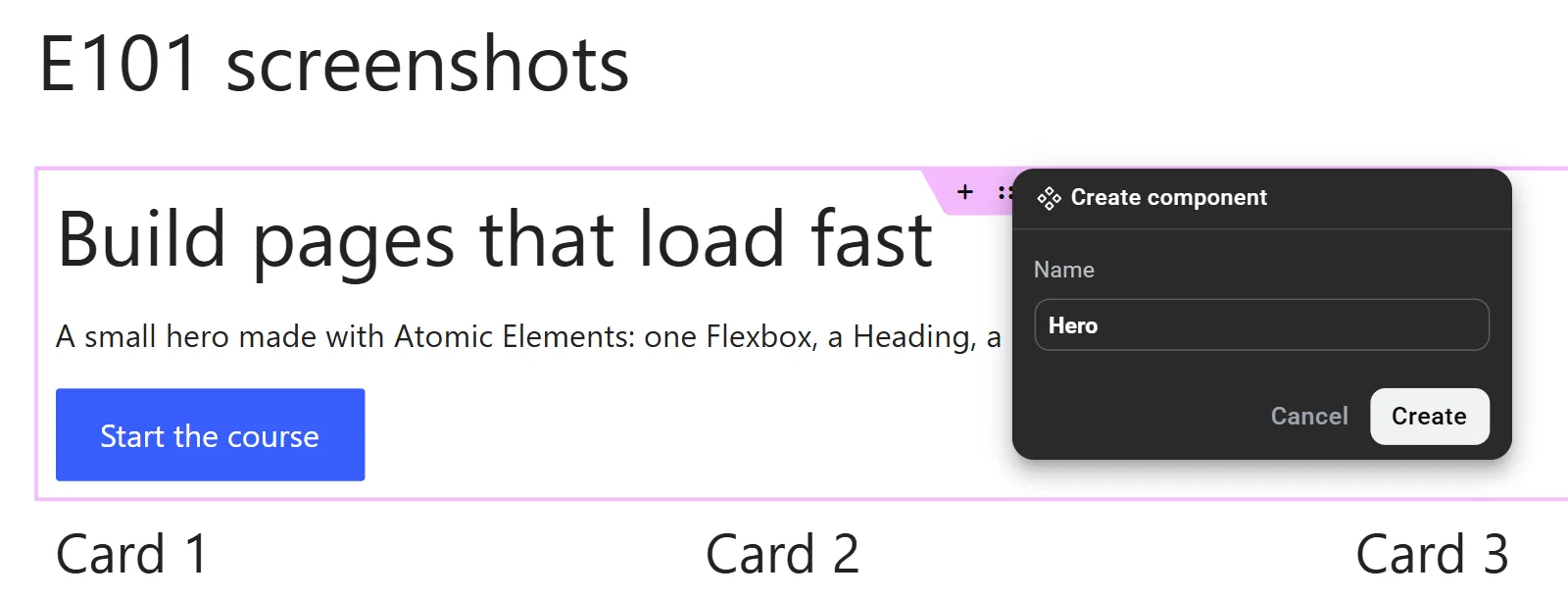
- Select the outer Div block (or Flexbox) and press Ctrl + Shift + K (or right-click › Create component). In the Create component dialog, give it a clear name like "Feature card" and click Create.
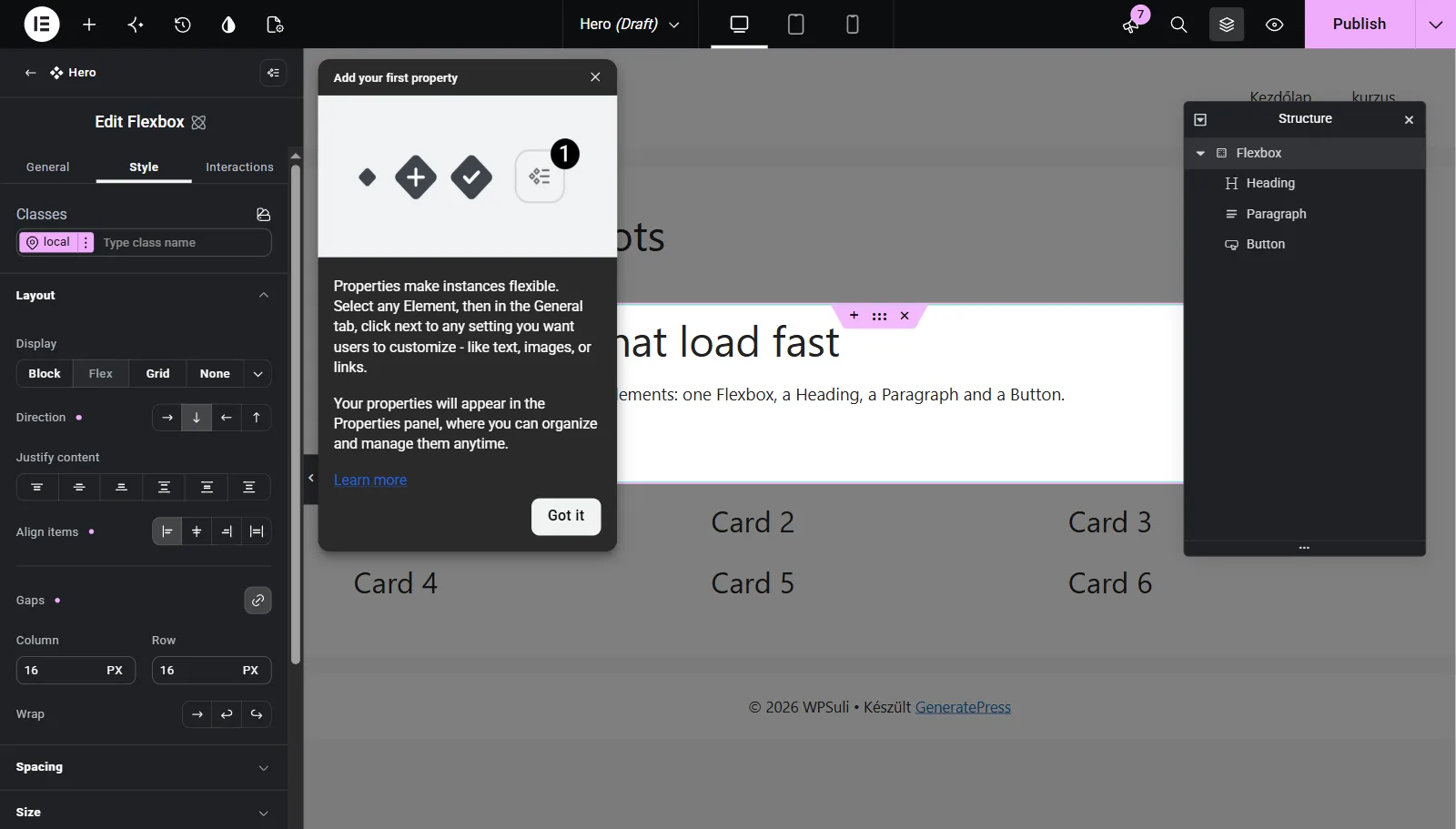
- Elementor opens the Component in its own edit mode. Choose which properties can be overridden per instance, for example the heading text, paragraph and image. You set these properties on each inner element's General tab.
- Click Back to return to the page. Find the Component on the Components tab of the Elements panel, drop it wherever you need it and fill in the overrides.
- Change the design once, for example a rounder radius or a new shadow, and every card on the site updates.
03Saved and Cloud Templates
Right-click any layout and choose Save as a template, or save the whole page from the arrow next to Publish. Templates appear under Elementor › Editor › Templates › Saved Templates in WordPress, and in the template library inside the editor.
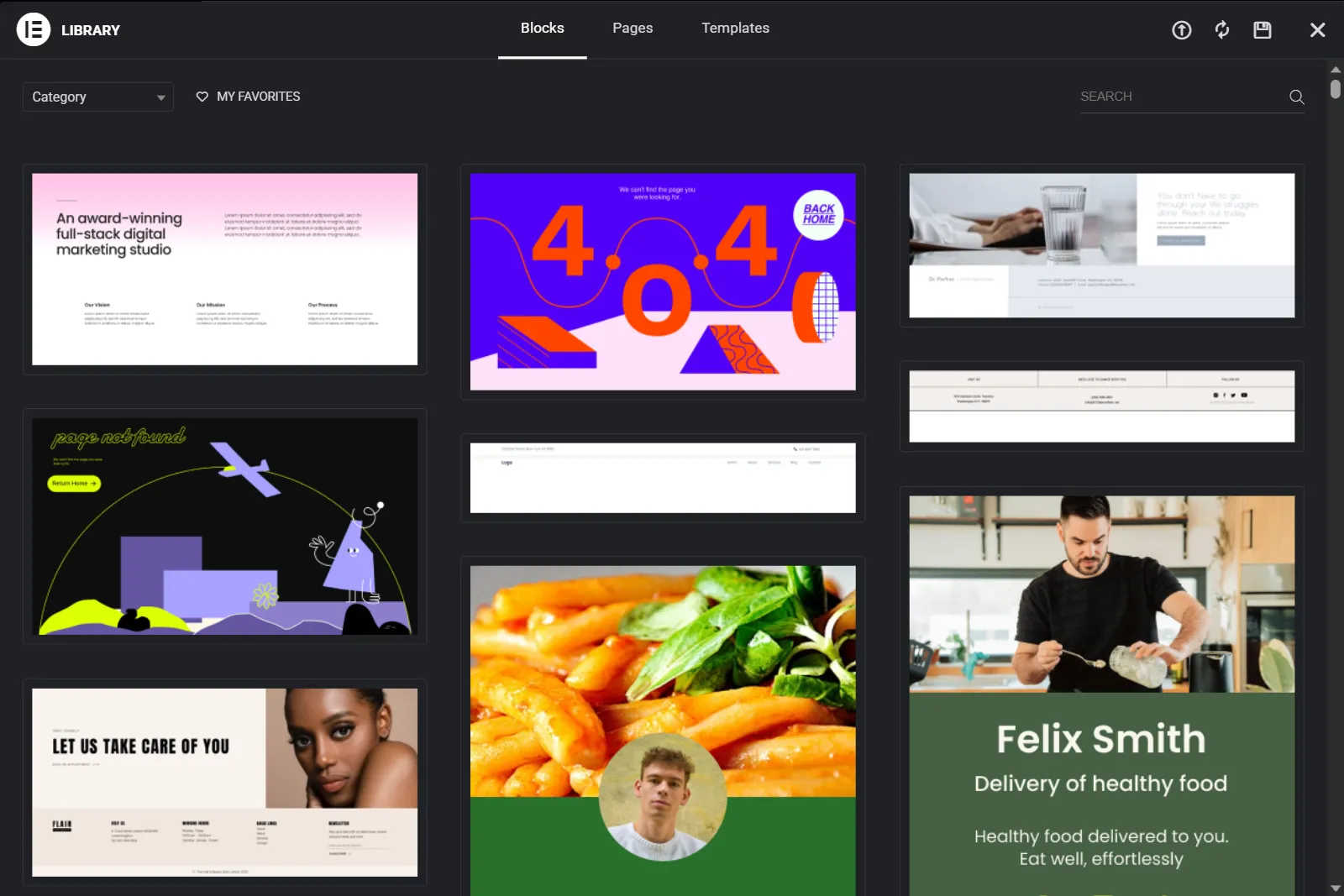
Cloud Templates (included with Pro, with a limit that depends on your plan) are saved to your Elementor account instead of one site. That's useful if you build several sites and want your favourite sections everywhere.
04Import templates and kits safely
Template packs, like the Katka page templates, come as .json files (single templates) or .zip website kits.
- Single template: Elementor › Editor › Templates › Saved Templates › Import Templates, choose the
.json, then insert it from the library on any page. - Website kit: go to Templates › Website Templates, click the Import icon at the top right and upload the
.zip. You can choose which parts to import: content, site settings, theme parts, custom assets. - Replace the demo images with your own before launch. Check the licence of any image you keep.
05Common mistakes
- Copy-pasting the same block to 30 pages. When it needs to change, you'll edit it 30 times. Make it a Component.
- Making everything overridable. If every property can be overridden, instances drift apart. Expose only the content that changes.
- Importing kits onto a live site. Use staging first, every time.
✓Quick quiz
Three questions to check the essentials. Get them all right to complete the lesson.